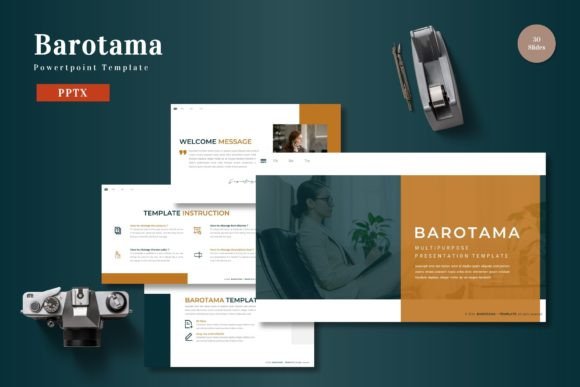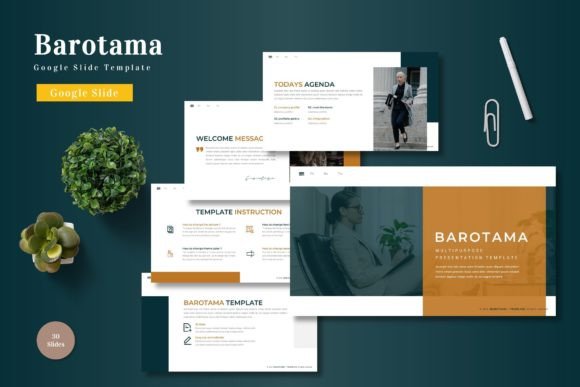
Barotama - Google Slide Template
Presentations are a strange blend of art and utility. You need structure, but you also need to hold attention. Too rigid, and the audience drifts. Too loose, and the message gets lost. That is where a well-built template becomes more than a shortcut—it becomes a framework for thinking clearly on screen. Barotama - Google Slide Template offers that framework, but with enough flexibility to make it feel like your own.
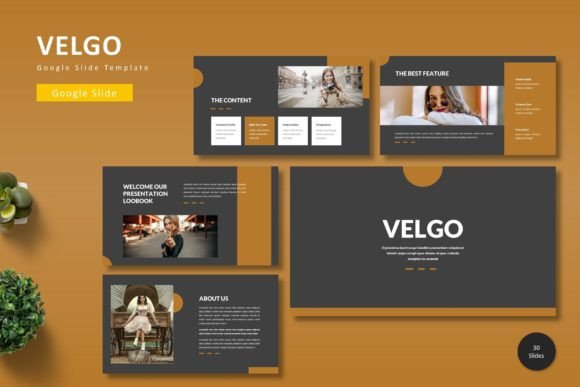
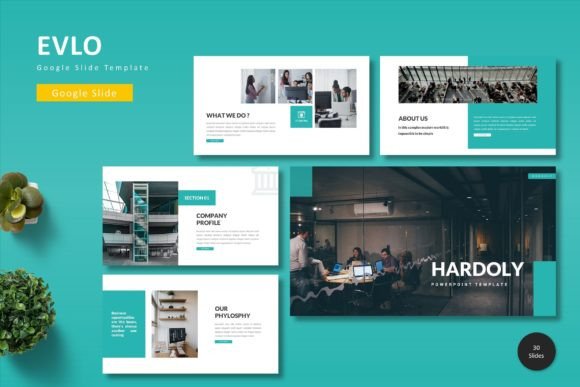
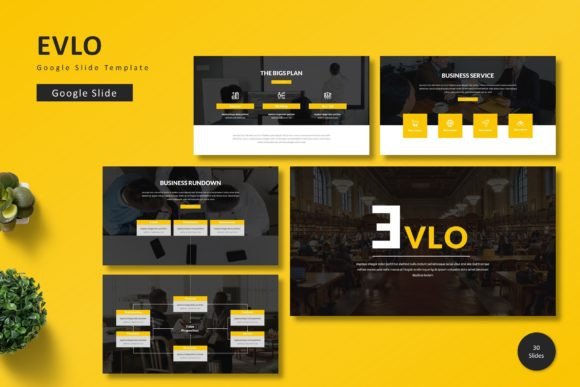
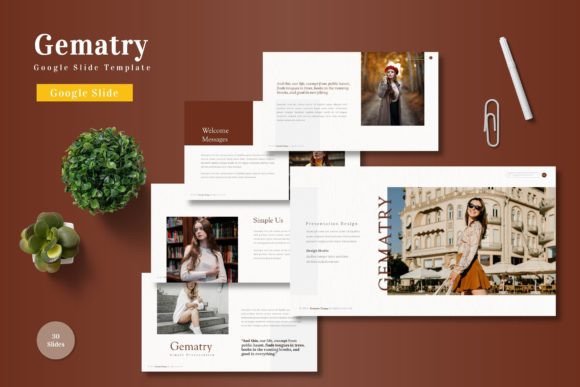
What makes this set stand out is the sheer range packed into a single download. You get 150 total slides spread across five premade color schemes, with 30 slides per template. That means you can build everything from a corporate pitch to a creative portfolio without starting from scratch each time. The handcrafted infographics and pixel-perfect illustrations give you visual depth without requiring design skills. And because everything is based on master slides and fully resizable, you keep control over the final look.
For anyone who regularly creates presentations, this kind of consistency is gold. You don't waste time aligning elements or hunting for matching graphics. You focus on the story you want to tell.
Creative possibilities beyond the usual slide deck
Most people think of templates for standard business presentations. Barotama encourages you to push further. The inclusion of gallery and portfolio slides means you can repurpose the same template for visual storytelling. A photographer, for instance, can drop images into the picture placeholders and use the clean layouts to create a client-facing portfolio in minutes. The drag-and-drop functionality keeps the process fluid, even if you are not a designer.
Similarly, bloggers and publishers can adapt the section break slides to divide content-heavy presentations. Instead of a dense wall of text, you get breathing room between sections. This rhythm keeps viewers engaged and gives you natural pauses to emphasize key points. Whether you are presenting a marketing strategy or teaching a workshop, those visual breaks matter.
Another angle is using the five color variations as a way to test different moods. A single deck with a blue scheme might feel corporate and safe. Switch to the same content in an earth-toned palette, and it feels grounded and organic. You can experiment with what fits your audience without redesigning anything. This is particularly useful for freelancers who pitch to different industries and need to adapt their visual tone quickly.
Adapting Barotama for different users and goals
Every user brings a different goal to a presentation. The template needs to bend without breaking.
Designers and creatives will appreciate the pixel-perfect illustrations and the ability to resize every graphic without losing clarity. You can use the handcrafted infographics to present case studies or project timelines in a visually appealing way. Since the slides are editable, you can layer your own icons or modify the existing ones to match a specific brand identity.
Marketers and small business owners can benefit from the consistent layout structure across all 30 slides. When you present a product launch or a quarterly review, consistency builds trust. Your audience knows where to look for key data points. The included color schemes also help maintain brand alignment. If your brand uses a specific accent color, you can adjust one of the existing palettes rather than building from zero.
Educators and trainers often need to balance information density with clarity. The master slides ensure that headers, footers, and slide numbers remain uniform throughout the deck. This reduces cognitive load for learners. You can focus on explaining concepts instead of worrying about formatting. The section break slides work well for module transitions, giving students a clear signal that the topic is shifting.
Entrepreneurs and startup founders pitch under time pressure. Having 150 slides available means you can create different versions of your pitch tailored to investors, partners, or early customers. The picture placeholders allow you to swap product images or team photos quickly. You don't need to rework the entire deck for each audience—just switch the relevant visual assets.
Practical inspiration for real projects
Let's look at a few concrete examples of how Barotama can be applied in everyday scenarios.
Example one: a freelancer's service deck. A freelance graphic designer needs to present their services to potential clients. They use one of the 30-slide templates with a light color variation. The portfolio slides showcase past work. The infographic slides break down their process into three steps: discovery, design, delivery. The gallery slide holds before-and-after examples. The entire deck comes together in under an hour because the placeholders are ready to accept images and text.
Example two: an internal training session. A team lead wants to train new hires on company workflows. They choose a template with a calm blue palette to keep the mood professional yet approachable. Handcrafted infographics illustrate the workflow process. Section breaks divide the session into onboarding, tools, and key contacts. The master slides ensure that every slide has the same footer with the company name. New hires can follow along without visual distraction.
Example three: a nonprofit fundraising presentation. A nonprofit director presents to potential donors. They select a warm, earthy color scheme that aligns with their organization's mission. The gallery slides display photos of community projects. Infographics show impact statistics in a digestible format. Because the slides are fully editable, they adjust the order to tell a story: from need to action to result. The donor leaves with a clear understanding of where their money goes.
Keeping results clear, organized, and audience-friendly
Even a great template needs thoughtful execution. Here are a few principles to keep your presentation effective.
Use master slides to your advantage. Master slides allow you to apply global changes. If you decide to adjust the header style or add a logo midway through, you can do it once and it updates everywhere. This saves time and prevents inconsistent formatting. Barotama is built on master slides, so you can take full advantage of this feature.
Choose one color scheme and stick with it. The five premade colors give you options, but resist the temptation to mix across templates. Consistency reinforces your message. If you are presenting to a conservative audience, go with a neutral palette. For creative fields, a bolder contrast works better. Trust the handcrafted infographics to do the heavy lifting.
Keep text minimal and let visuals speak. The picture placeholders are there for a reason. Use high-quality images that support your narrative. Avoid overcrowding slides with bullet points. Instead, spread content across multiple slides using the section breaks. Your audience will retain more if they process one idea at a time.
Test your deck on different screens. Google Slides runs in a browser, so the rendering can vary depending on screen size. Check your presentation on a projector, a laptop, and a mobile device if possible. The resizable graphics in Barotama should adapt well, but it never hurts to preview.
Balancing inspiration with practicality
The beauty of a template like Barotama is that it lowers the barrier between idea and execution. You don't need to be a graphic designer to produce a polished presentation. You just need clear thinking and a willingness to edit ruthlessly.
Start by outlining your narrative before you open the template. Know what you want your audience to feel, learn, or do after the presentation. Then match that intention to one of the five color schemes. The handcrafted infographics and pixel-perfect illustrations will fill the visual gaps, but the structure should serve your story, not the other way around.
If you find yourself forcing content into a slide template, stop and reconsider. Maybe that idea needs a full section break. Maybe that statistic deserves its own infographic. The 150 slides give you room to breathe. Use that space wisely.
Freelancers, educators, marketers, and entrepreneurs alike can find value in having a versatile toolkit that adapts to different contexts. The included PPTX and Google Slides files mean you can work in the platform you prefer, and the readme file provides clear setup guidance. The five color schemes give you immediate variety without extra work.
At the end of the day, a presentation is a conversation. Barotama - Google Slide Template helps you frame that conversation in a way that feels intentional and visually cohesive. Whether you are pitching an idea, teaching a class, or showcasing a portfolio, the right structure makes your message easier to receive. And when the audience can focus on your content instead of your formatting, you have already won half the battle.