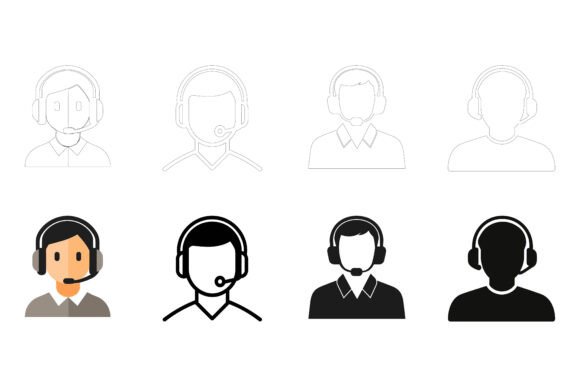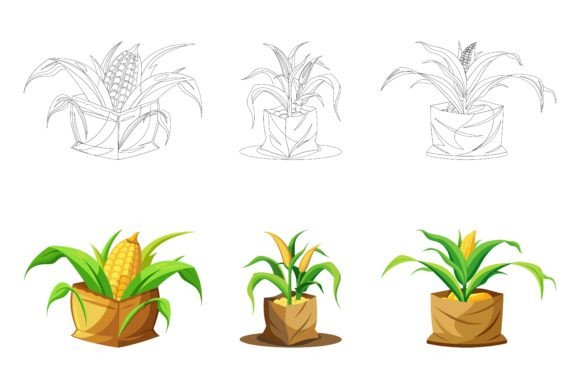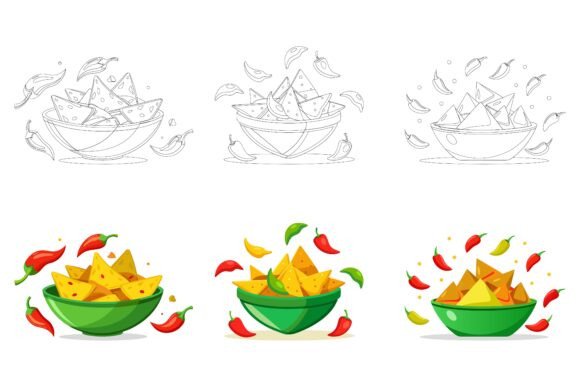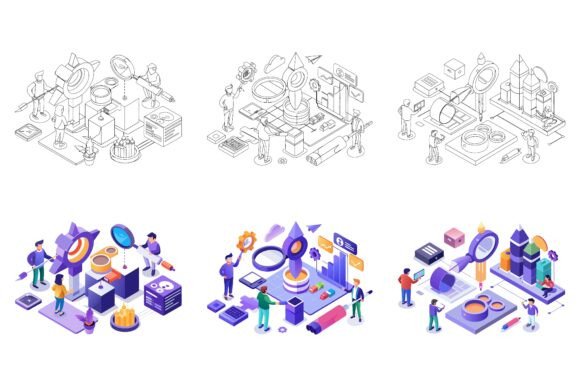
Announcing Our Special AI EPS Collections: Designed for Today’s Creative and Professional Workflows
The way we create visual content has shifted dramatically. Whether you are a seasoned designer, a business owner building a brand from scratch, or a marketer trying to keep up with content demands, the need for flexible, high-quality illustrations has never been greater. That is why we are pleased to announce the launch of our special AI EPS collections — a carefully crafted set of vector illustrations built to meet the real-world needs of modern creators. This is not just another asset pack. It is a response to the growing demand for design resources that are both beautiful and genuinely practical.
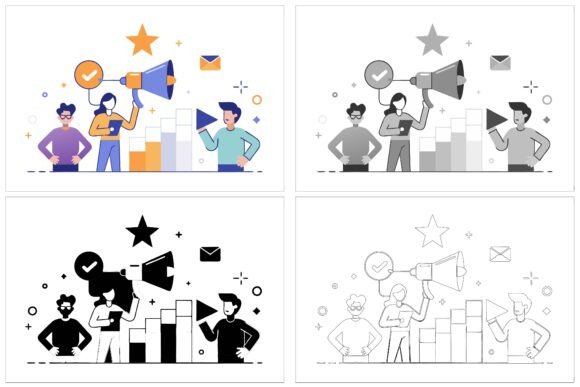
Every illustration in this collection is delivered in three variations, giving you options without extra effort. You receive each design in AI, EPS, and JPG formats, so whether you work in Adobe software, prefer open-source tools, or simply need a ready-to-use raster file, everything is covered. The files are optimized for both Mac and Windows environments, meaning no compatibility headaches across different systems. The layer structure is neat and intuitive, making it easy to locate, isolate, and adjust specific elements without digging through a mess of unnamed layers. This attention to organization is not an afterthought — it is a core part of what makes this collection valuable for busy professionals and hobbyists alike.
Why This Collection Matters Now
We are living in a time where visual communication is central to almost every interaction. A blog post, a social media graphic, an app interface, an infographic — all rely on illustrations that communicate ideas quickly and clearly. Yet many creators struggle to find assets that are both versatile and consistent. Generic stock illustrations often feel disconnected from the brand or message, while custom design can be time-consuming and expensive.
This collection addresses that gap head-on. By offering illustrations that are editable, scalable, and consistent in style, we give you a foundation that can be adapted to countless contexts. The icons and illustrations are designed with a balance of detail and simplicity — enough detail to feel polished and professional, but not so much that they become cluttered or hard to use at different sizes. This makes them suitable for everything from small app icons to large print layouts.
Current trends in design emphasize flexibility and speed. Remote teams, freelancers juggling multiple projects, and in-house designers facing tight deadlines all need assets that can be customized rapidly. A well-organized EPS file with editable colors and components allows you to make changes in minutes rather than hours. This shift toward adaptable design resources is not a passing fad — it reflects a fundamental change in how work gets done. People want tools that respect their time and amplify their creativity, not limit it.
What Makes These AI EPS Illustrations Different
There is no shortage of illustration packs available online, but quality and usability vary enormously. What sets this collection apart is the deliberate focus on detail and consistency. Every element within the set shares a unified visual language — line weights, proportions, color palettes, and stylistic choices are harmonized across all designs. When you use multiple illustrations from the same collection in a single project, they feel like they belong together. That coherence is hard to achieve when mixing assets from different sources, and it is one of the main reasons designers value cohesive sets.
Another distinguishing factor is the editability. The files are built with a logical layer hierarchy, so you can change colors, modify shapes, or rearrange components without breaking the overall design. This is especially useful when you need to match a specific brand palette or adapt an illustration for a different context. For example, if you are building an infographic for a client in the healthcare space, you can quickly recolor an icon set to align with their brand guidelines. The same flexibility applies to symbols, app interfaces, and web graphics.
Furthermore, the inclusion of both vector (AI/EPS) and raster (JPG) formats means you never have to worry about software limitations. Whether your workflow relies on Adobe Illustrator, CorelDRAW, Affinity Designer, or even simpler tools that accept JPGs, you have a version ready to go. This cross-format approach is practical for teams where different members use different tools, or for projects that require both editable source files and final output files.
Designed for Consistency and Detail Across Every Project
Consistency is often the unsung hero of good design. A presentation, website, or publication that uses mismatched illustrations can feel disjointed, even if each individual graphic is well made. The AI EPS collections are built with this in mind. Every illustration has been refined to ensure that details are rendered cleanly at any scale. Whether you are using them in a small symbol on a mobile app or enlarging them for a poster, the lines remain crisp and the proportions stay balanced.
This attention to detail extends to the layer structure. Each element is placed on its own layer, with clear naming conventions that make navigation straightforward. If you need to hide a specific component, change a fill color, or duplicate a shape, you can do so without hunting through dozens of unnamed layers. This might sound like a small thing, but for anyone who has spent time wrestling with poorly organized files, the difference is immediate and substantial.
The collection also includes multiple variations of each illustration. Instead of receiving a single static design, you get three distinct versions. This is incredibly useful when you are building a series of related graphics — for instance, a set of social media posts that need to feel cohesive but not identical. You can use different variations for different contexts while maintaining a consistent brand look. It saves time and gives you creative options without starting from scratch.
Adaptable Across Platforms, Uses, and Skill Levels
One of the most practical aspects of this collection is its versatility. The same illustrations that work beautifully in a printed brochure are equally at home in a digital presentation, a website hero section, or an app interface. The vector format ensures that resolution is never an issue — you can scale up or down without losing quality. And because the files are organized simply, even someone with basic vector editing skills can make customizations confidently.
For educators and trainers, these illustrations can be used to create clear instructional materials, handouts, and digital learning aids. For bloggers, they add visual interest and help break up text in ways that keep readers engaged. For entrepreneurs and business owners, they provide a professional look without the cost of hiring a designer for every small graphic. And for seasoned graphic designers, they serve as a time-saving resource that can be adapted or built upon for client work.
Infographics, in particular, benefit from illustrations that are both detailed and consistent. A well-designed infographic needs visual elements that support the data without distracting from it. The illustrations in this collection are designed to complement text and numbers, not compete with them. Their clarity and uniformity make them ideal for conveying complex information in an accessible way.
How Creators and Professionals Are Putting These Assets to Work
Consider a freelance designer who needs to deliver a brand identity package for a new startup. The project includes a logo, social media templates, a one-page website, and a product brochure. Using a cohesive illustration set, the designer can quickly populate these materials with graphics that feel intentional and aligned. The editability of the files means the designer can modify colors to match the brand’s palette, adjust sizes to fit different layouts, and even combine elements to create new compositions. The result is a polished, professional output delivered in less time.
Or think about a marketing team preparing a quarterly report. They need to visualize key metrics with infographics, but the internal design team is stretched thin. With a versatile illustration collection, the team can assemble clear, attractive visuals without waiting for custom graphics. The consistent style across the collection ensures that the final report looks cohesive, even when different team members contribute different sections.
For a hobbyist who runs a small online store or a personal blog, these illustrations can elevate the look of their site and social media with minimal effort. The ability to edit colors and components means they can adapt the assets to their own aesthetic without needing advanced design skills. This democratization of quality visuals is one of the most valuable aspects of well-made illustration collections — they put professional-grade tools within reach of anyone willing to learn the basics.
Practical Tips for Getting the Most Out of Your AI EPS Collection
To truly maximize the value of these assets, start by exploring the full set before you begin a project. Familiarize yourself with the variations and the layer structure. Open the AI or EPS file in your preferred vector editor and spend a few minutes understanding how the elements are grouped and named. This initial investment pays off when you need to make quick edits later.
When customizing colors, use global swatches if your software supports them. This allows you to change a color across multiple elements at once, saving time and ensuring consistency. If you are working on a brand project, match the colors to the brand’s official palette rather than using the default colors. This small step transforms a generic illustration into a brand-specific asset.
Combining elements from different illustrations within the collection is another effective strategy. Because the entire set shares a consistent style, you can mix and match components freely. For example, you might take an icon from one illustration and place it into a scene from another, creating a custom graphic that feels like it was designed together.
Finally, keep both the editable vector files and the high-resolution JPG versions in your asset library. The JPGs are perfect for quick drafts, mockups, or use in software that does not support vectors. The vector files are your master copies for any future editing needs. Label them clearly, and you will have a go-to resource for countless projects ahead.
A Forward-Looking Approach to Design Assets
The landscape of design resources is evolving. More creators are recognizing that the value of an asset is not just in how it looks, but in how easily it can be adapted, reused, and integrated into different workflows. The announcement of our special AI EPS collections reflects this understanding. These illustrations are not static — they are designed to become part of your creative process, to be shaped and reshaped as your needs change.
As tools and platforms continue to evolve, the importance of flexible, well-organized design assets will only grow. Whether you are preparing for a major campaign, building a brand from the ground up, or simply want your content to stand out, having a reliable set of illustrations at your fingertips makes a real difference. The consistency, editability, and cross-format compatibility of this collection are not just features — they are practical advantages that translate into better work, delivered faster.
So what are you waiting for? These illustrations are ready to be downloaded, opened, and put to use. Whether you are on a Mac or a PC, working in print or digital media, designing for yourself or for clients, this collection offers a solid foundation for your next project. Buy now and start using this awesome illustration set to bring your ideas to life.