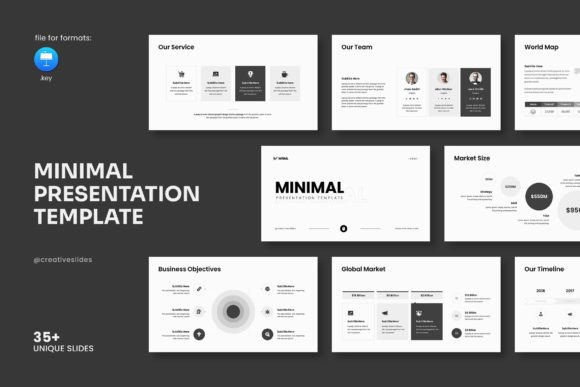
Best Minimal Keynote Template: Streamlining Your Presentation Workflow
Presentations are a constant in professional life. Whether you are pitching to a client, reporting quarterly results, onboarding new team members, or sharing an idea at a conference, the quality of your slides often shapes how your content is received. The Best Minimal Keynote Template offers a direct path to clean, confident communication without forcing you to become a design specialist. It fits into your existing workflow as a practical asset, not an extra burden.
What the Best Minimal Keynote Template Actually Is
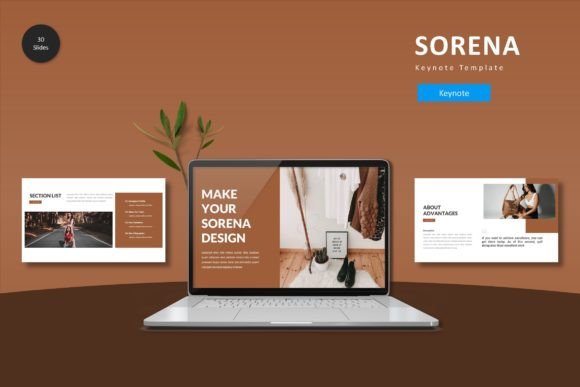
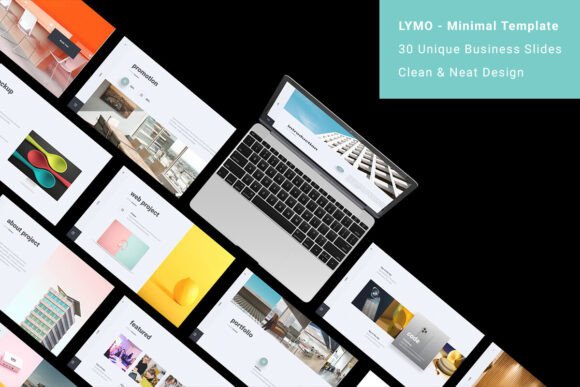
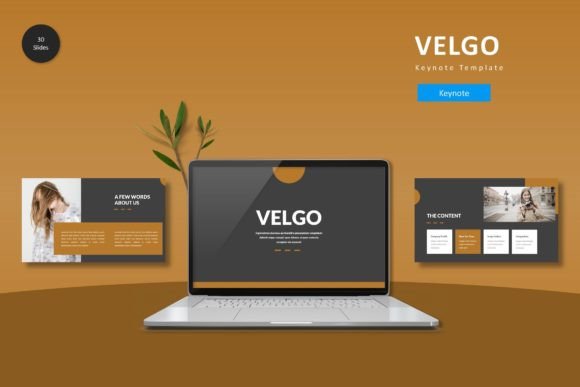
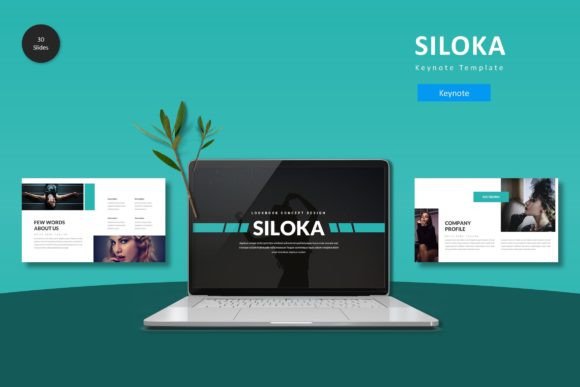
At its core, this template is a ready-made presentation framework built inside Apple Keynote. It contains 36 slides, each designed around a full HD 16x9 ratio at 1920x1080 pixels. The layout is minimal, contemporary, and deliberately simple. But simplicity here does not mean limitation. The template includes creative photo layouts, infographics, tables, vector icons, and diagrams that let you present data and concepts more clearly than a plain slide deck ever could.
Think of it as a structured starting point. You open the file, and instead of facing a blank canvas, you find a coherent set of slides that already handle layout, spacing, color, and typography. Your job becomes filling in your content, not building from zero. This shifts your focus from formatting to message, which is exactly where it should be.
Where This Template Fits in a Real Workflow
The Best Minimal Keynote Template is versatile enough to support multiple stages of a project or business process. You do not need to treat it as a final polish step. It can serve you before, during, and after your main work.
Before a Project or Pitch
When you are preparing a proposal or planning a project, you often need to communicate scope, timeline, and value to stakeholders. This template lets you quickly assemble a professional-looking pitch deck. The infographic elements and vector icons help you illustrate workflows and timelines without needing to design from scratch. You can drop in your project phases, key milestones, and budget breakdowns using pre-built slide layouts. This saves hours of layout work and ensures your early communications look as polished as your final deliverables.
During a Presentation or Training Session
For live presentations, the clean design keeps focus on your words and data. Minimal templates reduce visual noise, so your audience spends less time decoding slides and more time listening. The photo layouts are particularly useful for case studies, team introductions, or visual storytelling. If you are training a team or teaching a workshop, the diagram and table slides help break down complex information into digestible pieces. You can adapt the same deck for different audiences simply by reordering slides or toggling sections.
After Completion as a Reporting Tool
Once a project wraps up, you often need to report results to leadership or clients. The template supports this phase equally well. You can repurpose the same slides you used in your pitch, updating them with actual data, outcomes, and lessons learned. The consistent formatting ensures that your final report looks like a natural extension of your earlier work, reinforcing credibility and professionalism. Because all graphics are resizable and editable, you can tweak charts and diagrams to reflect real numbers without breaking the design.
Multi-Format Flexibility for Different Users
One of the most practical aspects of this template is that it comes in multiple formats. While it is built natively for Apple Keynote, the design is accessible to people with varying technical comfort levels. If you work primarily on a Mac, the original Keynote file gives you full access to all animations, transitions, and master slides. If you share files with Windows users or collaborate with people who prefer PowerPoint, you can export without losing the core layout. This multi-format approach means you do not have to force your entire team onto one platform. Choose the format that fits your editing environment, and keep working.
For non-technical users, the template requires no knowledge of any specific application beyond basic slide editing. You do not need to write code, adjust CSS, or learn complex software. Everything is built on master slides, so any changes you make to one slide type apply consistently across the deck. This is a major time saver when you need to update headers, footers, or background elements.
Key Features That Improve Execution
Several features in the Best Minimal Keynote Template directly affect how efficiently you can produce a final presentation.
Theme color option. You can adjust the color palette to match your brand, client expectations, or event theme. This ensures visual consistency without requiring you to manually recolor every element. A single adjustment propagates through the deck, so your presentation feels cohesive from start to finish.
4000 icons pack included. Icons are one of the fastest ways to add meaning and reduce text. Instead of searching for icons online or creating your own, you get a library that covers common business, technology, and creative categories. Drag and drop the ones you need directly onto your slides. This alone can cut slide creation time significantly.
Easy drag and drop image replacement. The template uses placeholders that let you swap images without resizing or repositioning. Just drop your photo into the designated area, and it fits automatically into the layout. This is especially useful when you are working with multiple team photos, product shots, or location images. You maintain consistent spacing and aspect ratio across all slides.
All graphics resizable and editable. Nothing is locked. Every element on every slide can be moved, resized, recolored, or removed. This gives you full control if you need to adapt a layout for a specific use case. You are never stuck with a design choice that does not fit your content.
Free fonts with link in help file. Typography is often overlooked, but it has a major impact on readability and tone. The template uses free fonts, and the help file provides the download links. This means you do not have to purchase licenses or use default system fonts that may look generic. Install the recommended fonts, and your presentation will display exactly as intended.
Practical Implementation Tips
Getting the most out of this template requires a small amount of upfront preparation. Here are a few approaches that work well in practice.
Start by defining your slide structure. Before you start adding content, look through the 36 slide layouts. Identify which ones match the sections of your presentation: cover, agenda, problem statement, solution, data, testimonials, pricing, next steps. Remove or duplicate slides as needed. This gives you a clear skeleton to work with.
Adjust the theme color first. Set your brand or client color at the beginning. If you change it later, you may need to recheck every slide. Doing it early ensures all subsequent content aligns with the chosen palette.
Use master slides for repetitive elements. If you need a consistent footer, logo placement, or page number style, edit the master slides. This updates every slide that uses that master instantly. It is far more efficient than adjusting each slide individually.
Replace demo images with your own. The demo images in the template are for display only and are not included in the purchase. Plan to replace them with your own photos, stock images, or graphics. The drag-and-drop feature makes this fast, but you still need to source appropriate visuals beforehand.
Leverage the icons pack for clarity. When you have a list of features, benefits, or steps, use icons instead of bullet points where possible. Icons reduce cognitive load and make slides easier to scan. The 4000 icons included give you plenty of options, so you rarely need to look elsewhere.
Integration with Other Tools and Resources
The Best Minimal Keynote Template works well alongside other common presentation tools and methods. If you use presentation design principles such as the 10-20-30 rule or storytelling frameworks, the template provides a clean canvas that supports these approaches without fighting the design.
You can also combine it with external resources like stock photo libraries (Unsplash, Pexels, iStock) to fill the photo layouts with professional imagery. The free fonts mentioned in the help file can be supplemented with other Google Fonts if you need additional typefaces for specific sections.
For teams that collaborate remotely, you can share the Keynote file via cloud storage or export to other formats for colleagues who use different software. The master slide structure remains intact across exports, so your team can edit without accidentally breaking the design.
If you are a freelancer or small business owner who creates presentations regularly, having a consistent template reduces the mental overhead of starting each new project from scratch. You develop a familiar working environment, which speeds up your process over time. The same deck can be adapted for different clients by changing the theme color and swapping images, so you maintain a professional standard without reinventing the layout every time.
Long-Term Use and Consistency
A good template is not just for one presentation. It becomes a reusable asset that improves your output over months and years. Because the Best Minimal Keynote Template is fully editable and based on master slides, you can evolve it as your needs change. Add new slide types, adjust the color palette, or incorporate new icon sets as your brand develops. The initial investment of selecting and setting up the template pays back every time you use it.
Consistency across multiple presentations also builds trust with your audience. When clients or colleagues see the same clean design structure in every deck, they associate that quality with your work. You do not need to mention the template. The visual consistency speaks for itself.
Support from the designer is included. If you hit a technical issue or need guidance on a specific feature, you can reach out directly. This is especially valuable if you are not a design professional and need reassurance that you are using the template correctly.
Ultimately, the Best Minimal Keynote Template is a practical tool for anyone who needs to present work clearly, quickly, and consistently. It does not promise to make you a designer overnight. It gives you a solid foundation so you can focus on what you do best: communicating your ideas with confidence.